
See each run
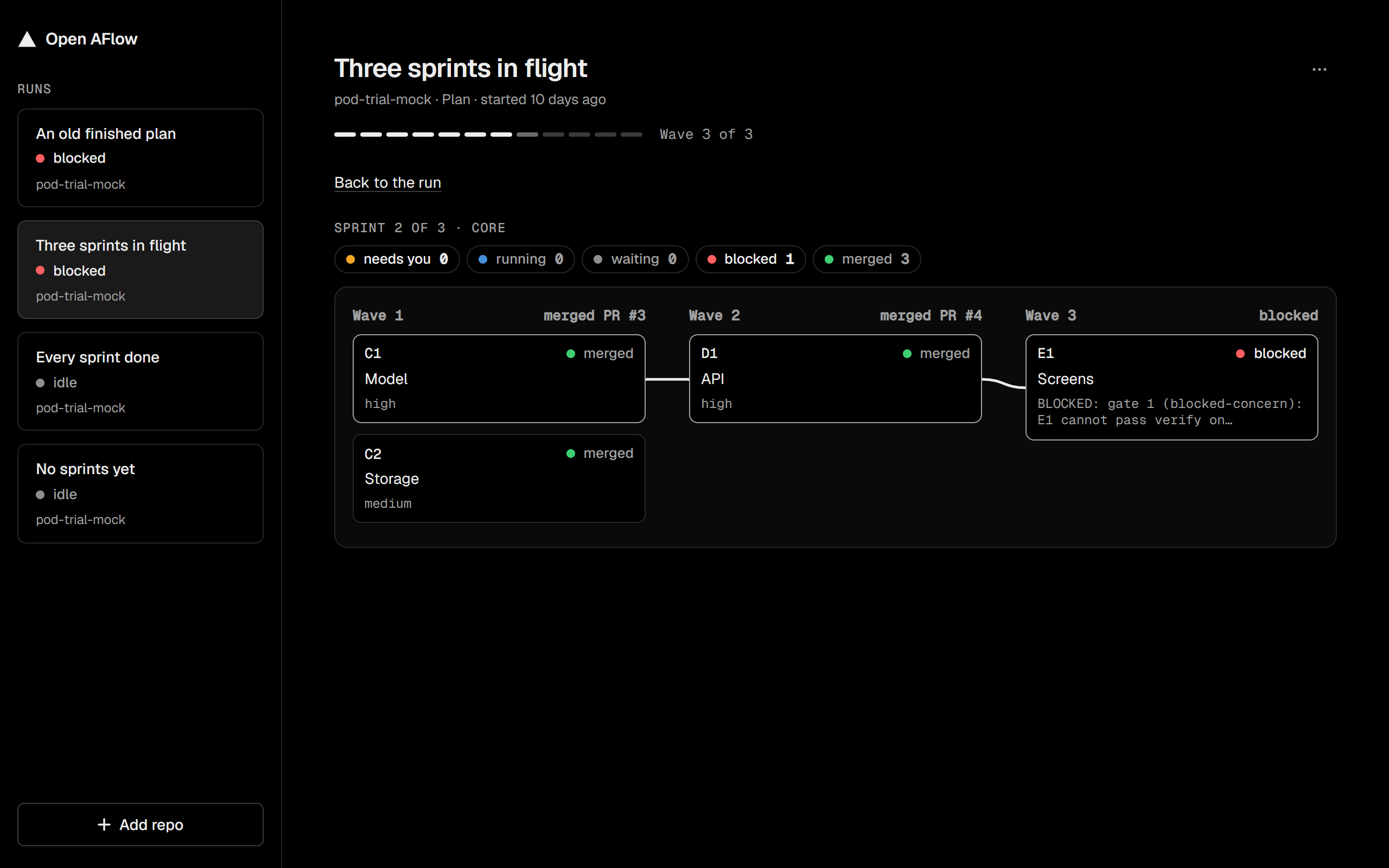
Every pod run in every repo sits in one sidebar. Open a run to see its stage, the waves of the current sprint, each slice, and its PR.

Early previewOpenAFlow changes fast. Expect bugs and changes between versions. Report a bug
OpenAFlow is a desktop app for pod, the Claude Code plugin that builds a plan with agents, wave by wave. It shows each run across your repos, and it tells you when a run stops for you.
You're on . OpenAFlow runs on Windows for now, and support is on the plan. Get notified when it ships
Every pod run in every repo sits in one sidebar. Open a run to see its stage, the waves of the current sprint, each slice, and its PR.
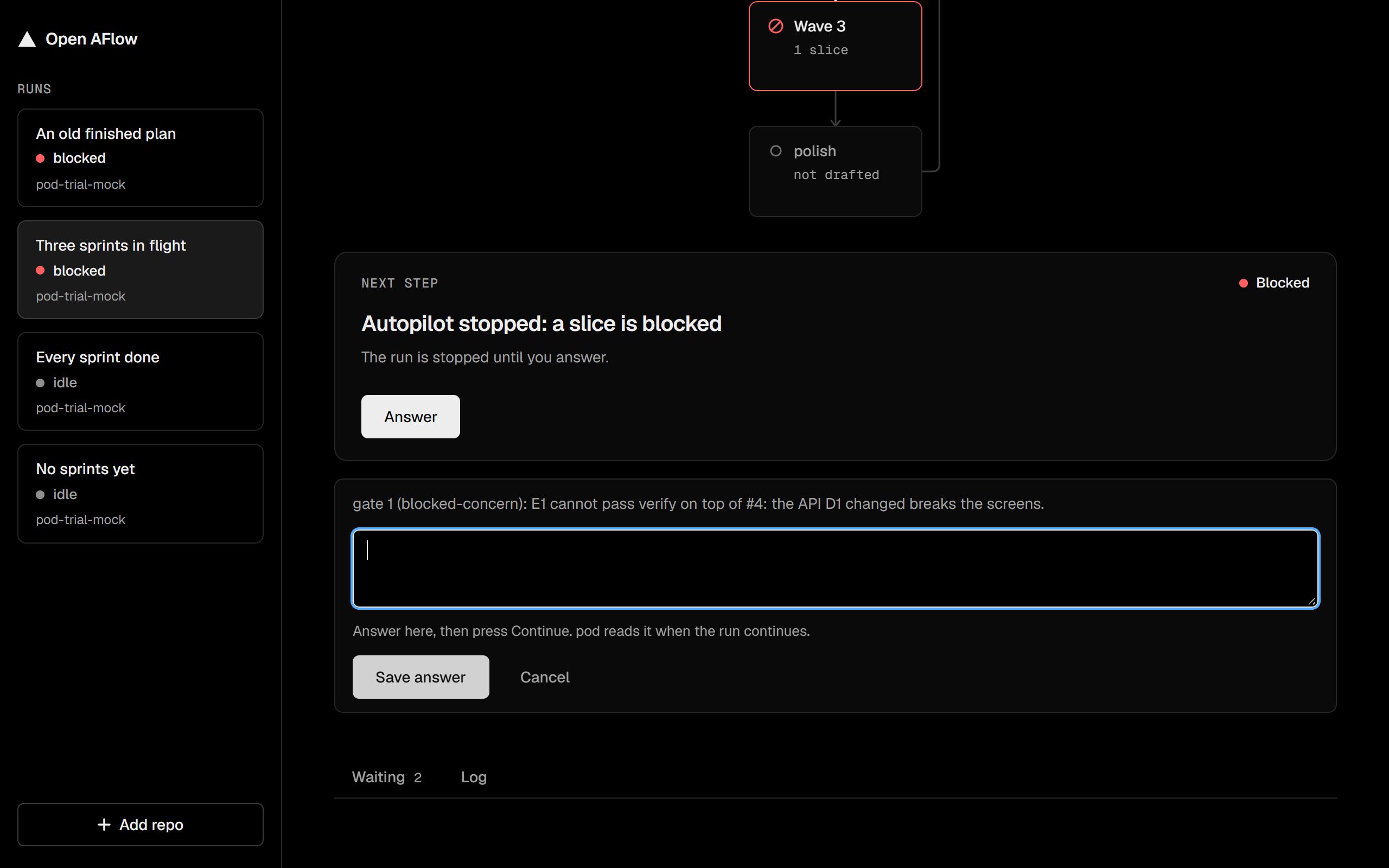
A blocked agent, a PR to merge, or a question to answer: OpenAFlow tells you. A toast appears, and the tray icon shows a dot. This also works when the window is closed.
Merge a PR, answer a question, or send continue to the run's Claude session. Turn on Auto-continue, and the app sends continue for you when pod waits.
It reads your repos and Claude's session files. No account, no cloud.
Your branches and files stay as pod and Claude left them.
MIT licensed. Read the code on GitHub.
Git for Windows, GitHub CLI (run gh auth login once), and Claude Code.
Inside Claude Code, run:
/plugin marketplace add iamphduc/claude-pod
/plugin install pod@podThe Windows installer is coming soon. To try it now, build it from source. Watch the GitHub repo to hear about the first release.